Error: Your ergometer is disconnected. Please reconnect your ergometer's Performance Monitor and enter the lobby again.
Error: Lost connection to the server. Please check your internet connection. Don't refresh this page, it will automatically try to reconnect.
Error: Unable to connect to the server. Check your internet connection, firewall, anti-virus or ad-blocker settings, as they may be blocking the connection to the lobby. Contact your regatta organiser if the problem persists.
See our manual for more detailed instructions.

Homerace

Connect your ergometer

  1. Connect your ergometer to the computer using USB
  2. Click the "Connect to ergometer" button below
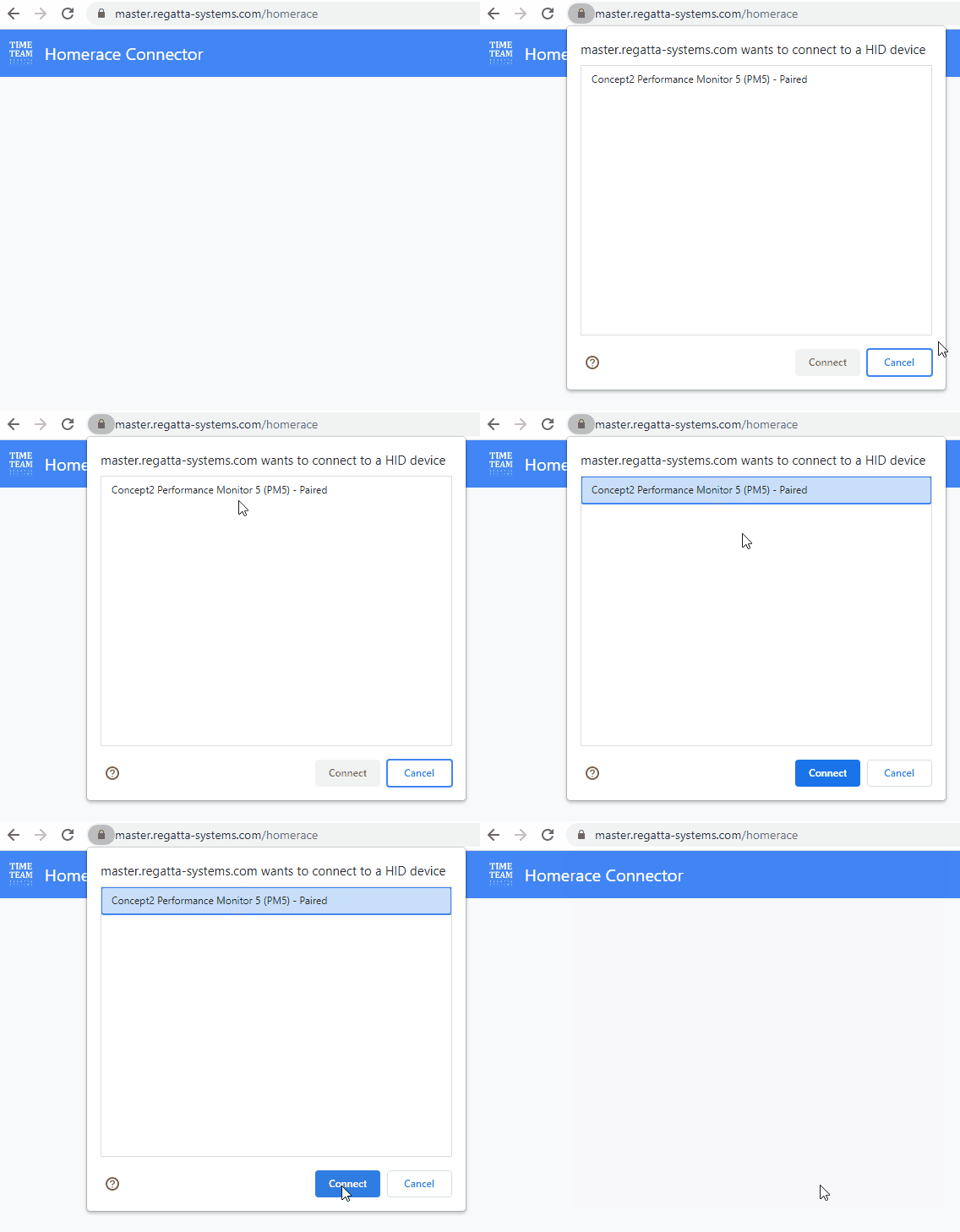
  3. Select your ergometer from the list and click "Connect"
  4. Once connected, enter your participant secret to proceed
See our manual for more detailed instructions.

Ergometer

Connectivity test
Warning:
    Visit the Concept2 firmware page for more information about updating.
    See our manual for more detailed instructions.
    Authentication correct: connecting to lobby

    ยป

    Official communication

    You are currently not included in the race. Please wait for further instructions and see the official communication panel on the right for updates.

    Race tracker will appear here as the race is about to start

    Participants:

    Wait for further instructions: watch your ergometer monitor